
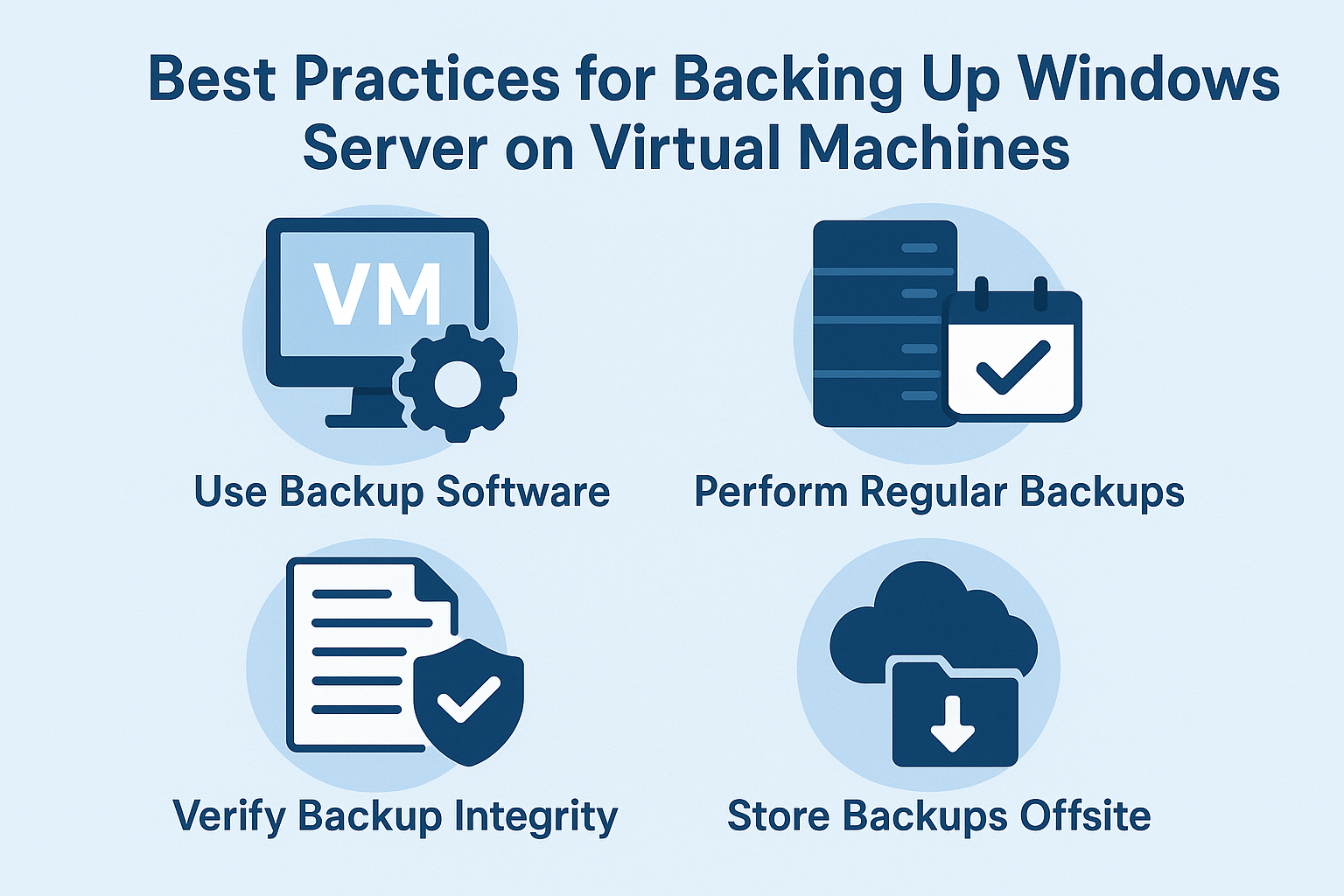
Virtualizing Windows Server has become the standard in modern IT environments—but backing up virtual Windows servers requires a different approach than traditional bare-metal backups. Whether you use Hyper-V, VMware, Proxmox, or another virtualization platform, a good VM backup strategy will protect data and ensure fast recovery when disaster strikes.
This guide explains the best practices for backing up Windows Server inside virtual machines and solutions to avoid downtime and data loss.
⭐ Why VM Backups Matter More
Virtual machines allow you to:
- Run multiple servers on one host
- Move workloads between hosts
- Scale fast
- Restore quickly after hardware failure
But virtualization increases dependency on hypervisors and storage layers, so a failure impacts multiple servers—not just one machine. That’s why proper VM backup planning is critical.
🛡 1. Use Hypervisor-level Backup Tools
Windows Server VSS snapshots are useful, but hypervisor-based backups are the safest.
Recommended:
- Hyper-V Backup
- VMware vSphere Data Protection
- Veeam Backup & Replication
- Nakivo
- BackupAssist
- Acronis Cyber Protect
Hypervisor backups capture:
✔ entire virtual machine
✔ configuration
✔ storage
✔ OS
✔ application state
This makes restoring much faster.
📌 2. Enable Application-Aware Backups
VM snapshots alone are not safe for applications.
Enable app-aware backups for:
- SQL Server
- Domain Controllers
- Exchange
- File Servers
- SharePoint
This ensures:
✔ transaction-consistent backups
✔ no corrupted DBs
✔ clean restore points
🔁 3. Follow the 3-2-1 Backup Rule
Always store backups in multiple locations:
| Copies | Location |
|---|---|
| 3 | total copies |
| 2 | different media |
| 1 | off-site or cloud |
Best approach:
- Local storage
- NAS or Storage Server
- Cloud (Azure, AWS, Backblaze etc.)
🏷 4. Use VM Tags and Backup Scheduling
Never rely on manual selection of VMs for backup.
Tag servers by:
- importance
- role
- security class
- retention policy
Example tags:
- production
- critical
- test
- archive
- daily/weekly
Then automate backup jobs based on tags.
⚡ 5. Test Your Restores Regularly
Most backups fail when restoring because no one ever tests them.
Test monthly:
✔ full VM restore
✔ file-level restore
✔ instant-restore
✔ recovery time
If you cannot restore—your backup is useless.
🛠 6. Automate Backup Verification
Look for features such as:
- automatic health check
- backup corruption testing
- auto screenshot test boots
- instant restore test
- periodic recovery simulation
Tools like Veeam and Nakivo provide auto-verification.
🌐 7. Backup Domain Controllers Correctly
Important!
Never restore a domain controller snapshot without application-aware backup.
Use:
- System State
- Bare-metal backup
- Active Directory application-aware mode
🔐 8. Encrypt Backup Storage
Use encryption:
- at rest
- at transit
- on cloud
- on NAS
Recommended:
- AES-256
- secure VPN if remote
- zero-knowledge cloud backups
🌩 9. Store at least one copy in cloud
Cloud backup protects from:
- ransomware
- hardware failure
- fire
- office theft
- encryption attacks
Best clouds:
- Azure Backup
- AWS S3
- Wasabi
- Backblaze B2
🚀 10. Use Instant Recovery When Possible
Modern backup tools support:
- instant VM boot
- quick spin up from backup storage
This means:
Even if your server dies, your VM restarts directly from backup!
🔚 Conclusion
Virtual machine backups are one of the most important security actions for Windows Server systems. A modern backup strategy should protect entire VMs, application data, and allow fast recovery with minimal downtime.
Focus on:
✔ hypervisor backups
✔ cloud storage
✔ encryption
✔ automation
✔ VM snapshot rules
✔ regular restore testing
Doing so eliminates most risks.
Best Practices for Backing Up Windows Server on Virtual Machines (F.A.Q)
Should I use snapshots for backup?
No — snapshots are temporary, not backups.
Can I restore a VM to another host?
Yes, if your backup tool supports host-level backup and restore.
How often should I test restore?
At least once a month.
0 Comments